AI Scan & Live Scanner
Extract data with intelligent scanning
The AI Scan is the heart of DocNado: instead of manually typing in all data, simply take a photo of the document or upload a PDF — and the artificial intelligence automatically recognizes all relevant information. DocNado independently extracts document type, company names, invoice numbers, dates, due dates, all line items with individual prices, as well as taxes, discounts, and the total amount. Recognition works with high accuracy for invoices, receipts, bank statements, and many other document types. Before finalizing, you can review all extracted data and make corrections if needed — you always stay in full control. Additionally, the scanner offers image optimization features such as automatic edge detection, perspective correction, and multi-page scanning for documents with multiple pages. Please note that each scan uses one page from your quota (depending on your plan, between 30 and 1000 pages per month). During a cloud scan, your receipt image is transmitted TLS-encrypted to our AI services with servers in Europe, evaluated only for the duration of the analysis, never stored permanently and never used for AI training; the extracted data is encrypted on your device before it is saved.
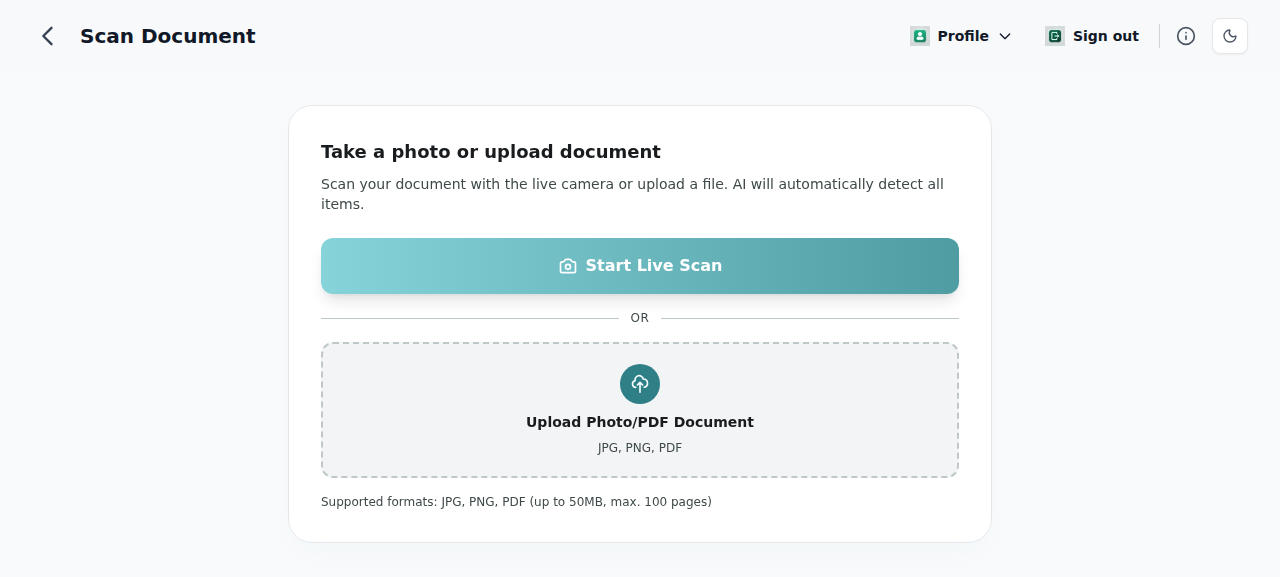
AI scan with extracted data
DocNado automatically recognizes documents with AI!
Scan Methods
What the AI Recognizes
- •✅ Document type (with confidence score)
- •✅ Seller / Company
- •✅ Invoice number, customer number
- •✅ Date + due date
- •✅ All line items (name, price, quantity)
- •✅ Subtotal, VAT, discounts, gross amount
- •✅ Net/gross detection with conversion option
Scan Extras
- •Auto-detection of document edges
- •Crop, rotate, perspective correction
- •Multi-page scan (multiple pages)
- •OCR Summary comparison (deviations are highlighted)
Saving without AI analysis
You decide whether the AI sees your document: enable “without AI analysis” when saving to run text recognition entirely in your browser — your document only leaves the device in encrypted form, even when saved to the encrypted vault. Title, amount, date and document type are suggested from the locally recognised text and can be corrected before saving.
- •Without AI: no individual line items and no automatic summary
- •Add AI analysis later: on the document detail page you can add an AI analysis for each document individually
- •Saving without AI still counts towards your page quota (it is stored in the encrypted vault)
Page-Based System
Each scanned page consumes page quota from your plan. Purchase ScanPack: 200 pages for 4,99 € available anytime