Reminders & Notifications
Never miss a due date
With DocNado, you will never be one of those people who miss an important deadline. The integrated reminder system automatically notifies you when a due date is approaching — either via email, browser push notification, or both channels simultaneously. You decide how many days before the due date the first reminder should arrive, and you can even set up multiple staggered reminders. The two notification channels (email and push) can be independently toggled on or off, so you only receive the notifications you actually want. For recurring documents with repeating due dates or cancellation deadlines, the system automatically calculates the right reminder timing. All sent notifications are logged in a history — so you can always trace when each reminder was sent.
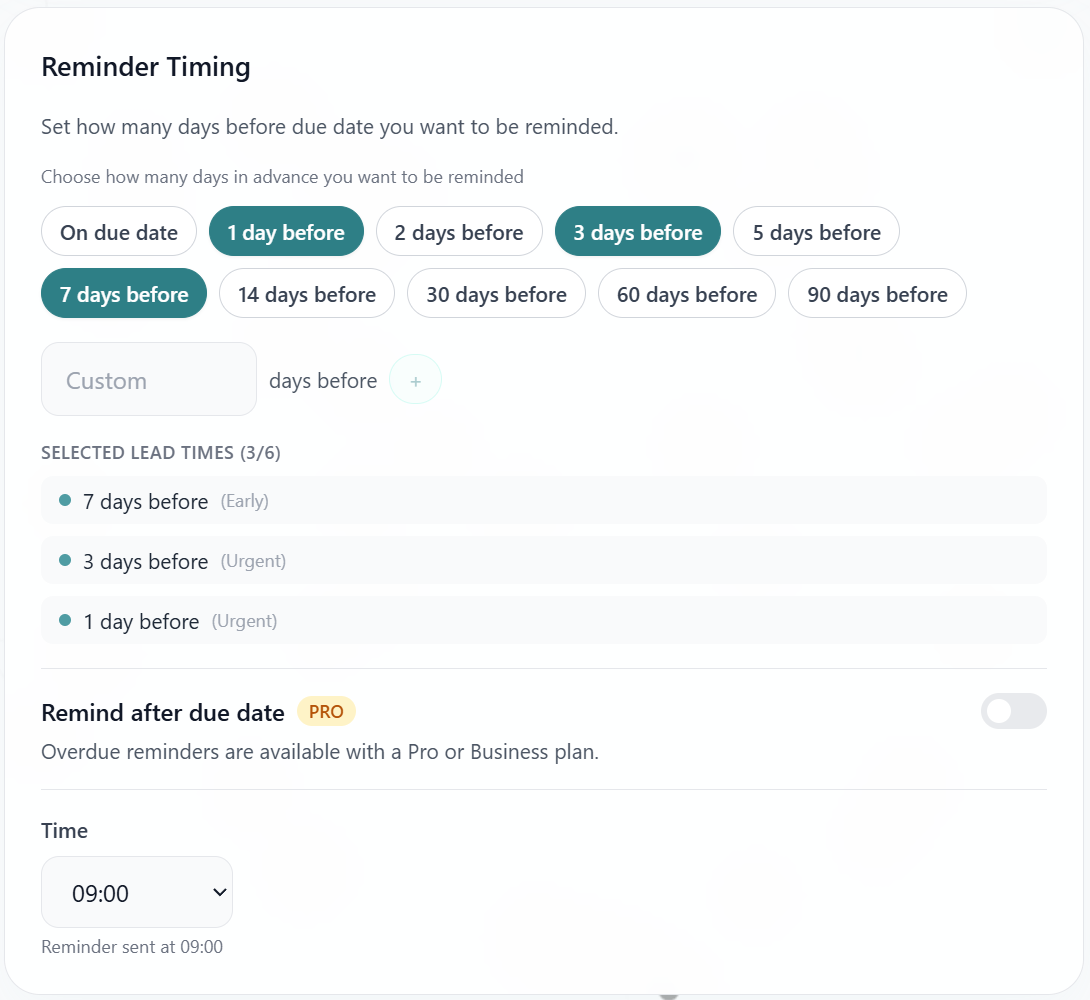
Reminder timings: Choose how many days before due date you want to be notified
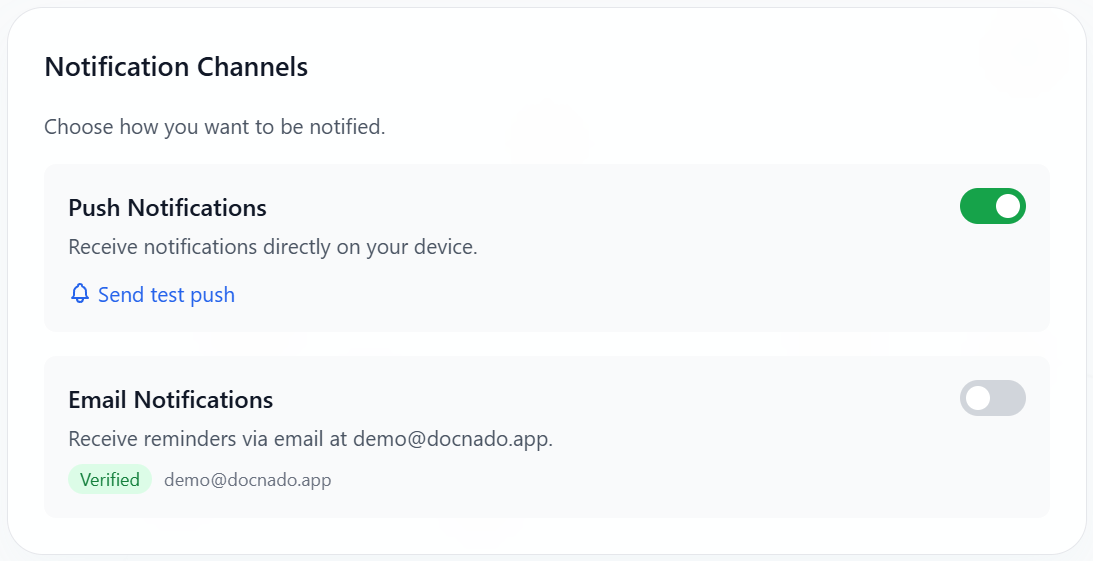
Toggle push and email notifications independently
DocNado reliably reminds you of open due dates!
Channels
Both channels can be toggled **independently** on/off.
Configuration
How to Enable Reminders
5. Save
- •Profile: → **Notifications**
History
All sent notifications are logged — view them under **Profile → Notifications → History**.