Registration & Login
Create your DocNado account
To use DocNado, you need a free account. Registration is deliberately simple: all you need is your email address and a password of your choice — nothing more. No credit card is required for the Free plan, and your data is protected with state-of-the-art encryption from the very start. After registration, you will receive a confirmation email; once you click the link, your account is active and you can start using DocNado immediately. For even faster access to your documents, DocNado supports biometric login via fingerprint or Face Unlock — secure and convenient at the same time. If you ever forget your password, the email reset gets you back into your account — but your encrypted documents afterwards only open with your 12-word recovery phrase.
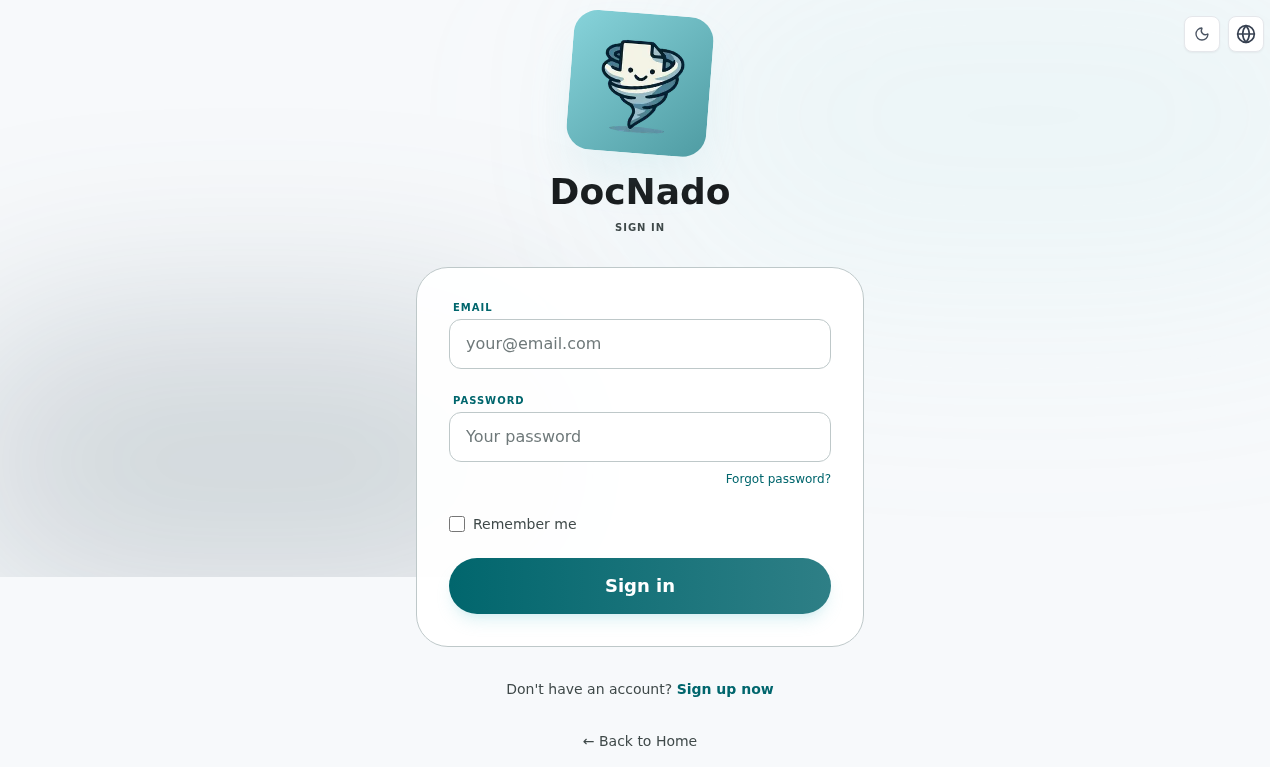
DocNado Login page
Create Account
- •Free of charge: with email and password
- •No credit card required for the Free plan
- •Ready to use immediately after confirmation
Biometric Login
- •Fingerprint: (Android) or Face Unlock for quick access
- •Works on devices with WebAuthn support
Forgot Password
- •Click "Forgot password?"
- •Receive a link via email → Set a new password
- •Important: The link only resets your login
- •Afterwards: enter your 12-word recovery phrase once so your encrypted documents become readable again (details: What is a cloud vault?)
- •Warning: Without your written-down phrase, nobody — not even DocNado — can recover your existing documents. Check now under Profile → Recovery Phrase that your phrase is noted down.